City Pantry

Creating a tone profile using the product voice and a framework for the most common types of digital interactions.

Background

City Pantry is a leading catering platform in London and across the UK. They partner with over 600 restaurants to deliver 50,000 meals to offices every single week.

The target audience of City Pantry are office managers who use the website to order weekly meals for their colleagues which are delivered to the office.

Brief

When I joined City Pantry, it was a tech start-up that was trying to expand rapidly in a competitive food delivery landscape.

Because of this desire to scale up as quickly as possible, the words of the City Pantry product were often written without guidelines in place.

To improve the user experience of the City Pantry product, I was tasked firstly with translating the marketing brand guidelines into usable UX writing guidelines. Using these guidelines, I then created examples of UX writing best practices for the most common digital interactions across the City Pantry website.

Tone and voice

The marketing brand guidelines for City Pantry describe the brand voice as:

Frank

Our voice should be up-front and easy to understand. That means we're direct and we get to the point. We tell our users everything they need to know, but not overload them with information.

Human

We use the language our customers use, swapping formal words for normal ones. We're a friendly bunch, not a cold and faceless organisation. We always talk to our customers like they're in the room.

Rebellious

We're not your standard food delivery company. And we don't sound like them. We use humour and personality to surprise our customers. Sometimes that means saying the unexpected.
These three voice pillars are used together to create one brand voice for City Pantry, but in UX contexts, there needs to be different tones to express the voice.

The tone of a brand's voice is important because we sometimes need to flex the voice through tone depending on the audience, circumstance or subject matter.

I created a tone profile to help people express the brand voice through digital interactions. A tone profile is two opposing words in which all digital touchpoints can fall in between. Some examples of tone profiles can be things like Casual and Formal, or Enthusiastic and Matter of fact.

For City Pantry, I did competitor research and based on our existing brand voice, decided that the tone profile should be:

Lighthearted and Serious

These are the two ends of the tone spectrum, and depending on the message, circumstance or audience, we should always fall between these two tones.

To help people understand how tones work across digital touchpoints, I then mapped the tone profiles across the sign-up and ordering experience.
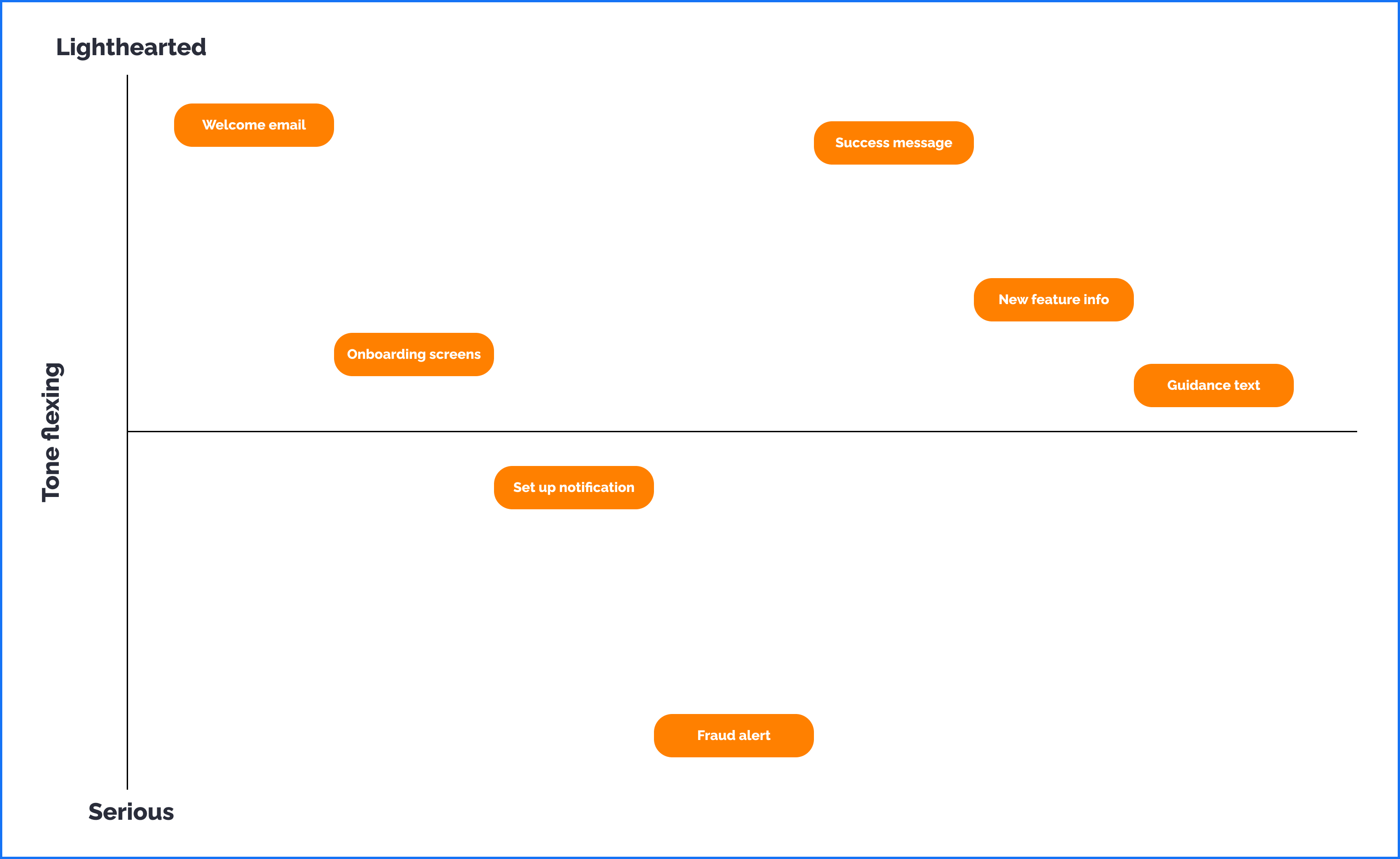
With these common touchpoints mapped in this way, I could easily explain to my colleagues what kind of tone they should be using depending on the experience the user was facing.

By doing this, it meant my colleagues would be more confident writing their own copy for City Pantry's digital experiences.
Copy audit

Once I'd devised a tone profile, and got myself more familiar with the brand voice, I could start a copy audit of the existing experiences across the City Pantry website.

Rather than going through the entire website and updating every bit of possible copy, I focussed on some main experiences that I could create guidelines around so the same mistakes wouldn't be made the next time these experiences came up.

The type of experiences I audited were:
You can read about the work I did on each of these messages below.

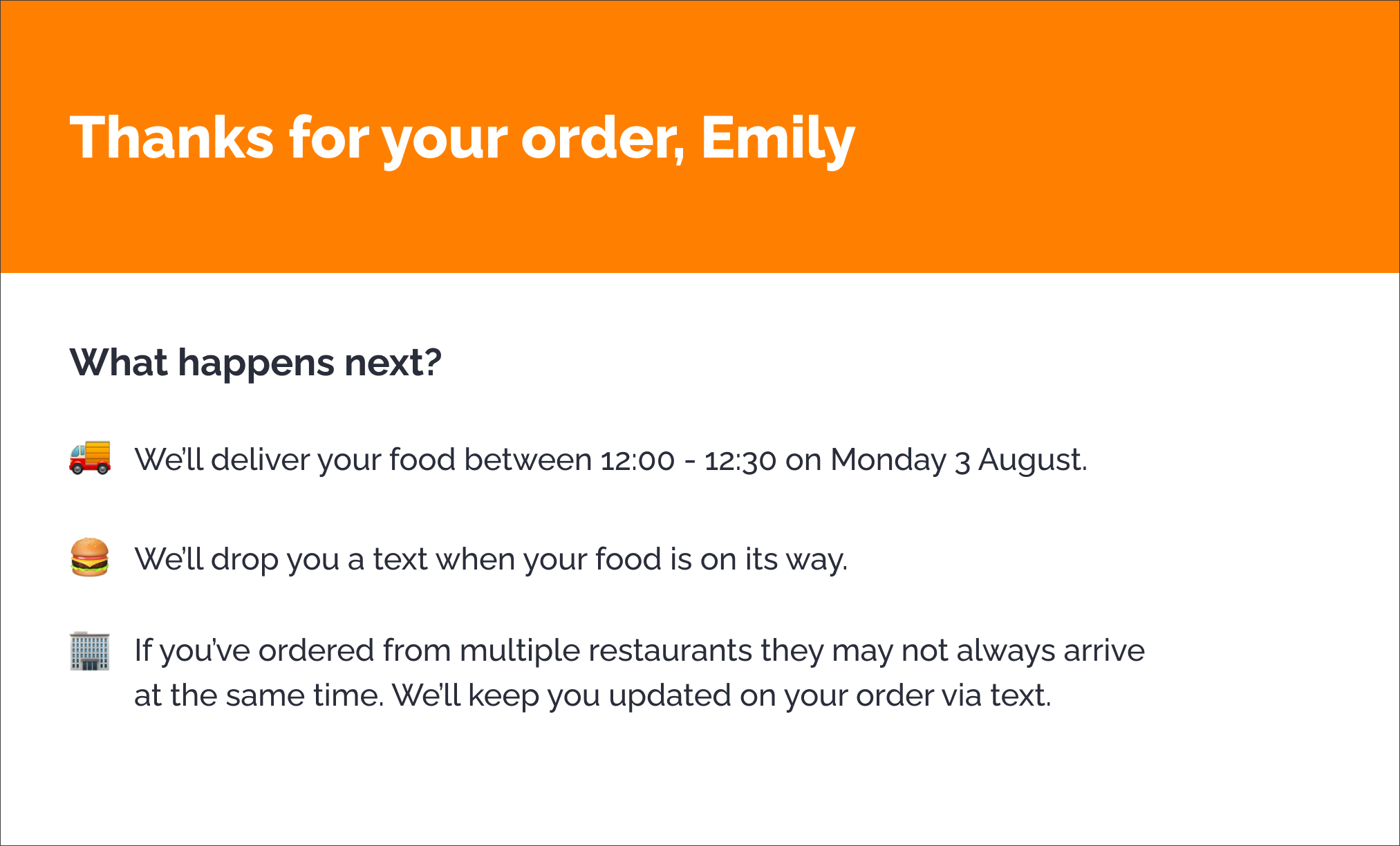
Success messages

For success messages, I defined some simple guidelines to follow:

Message context

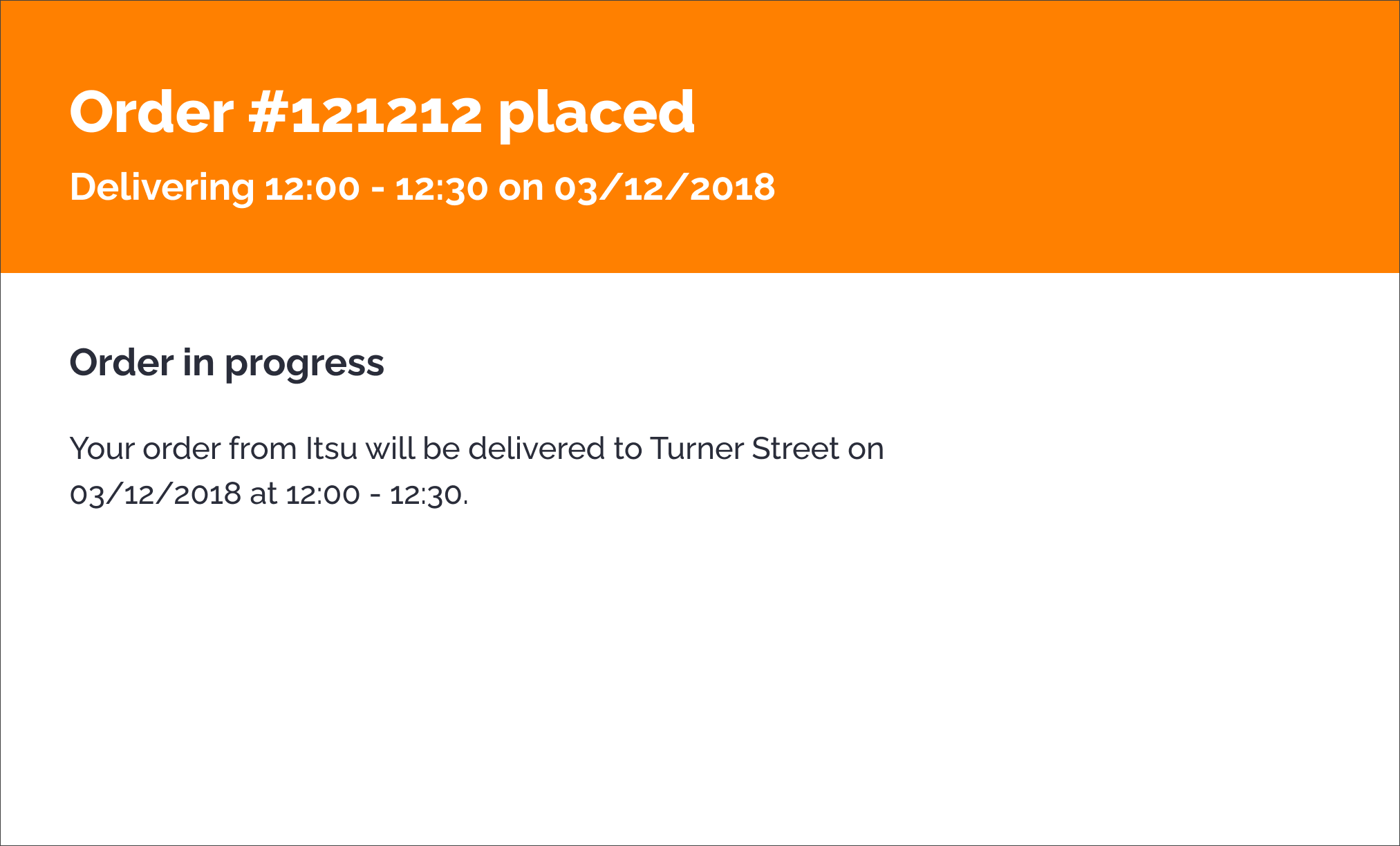
This screen is shown to the user after they complete an order.

Changes I made

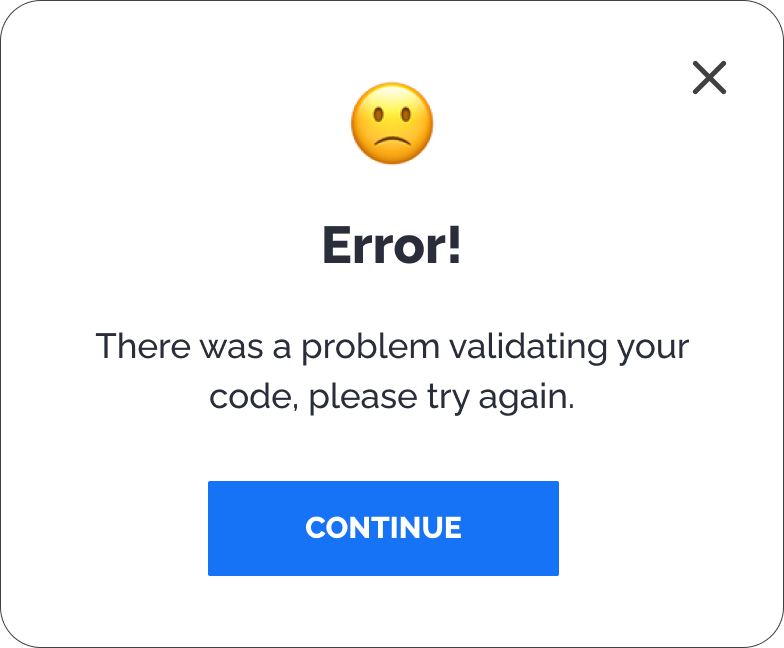
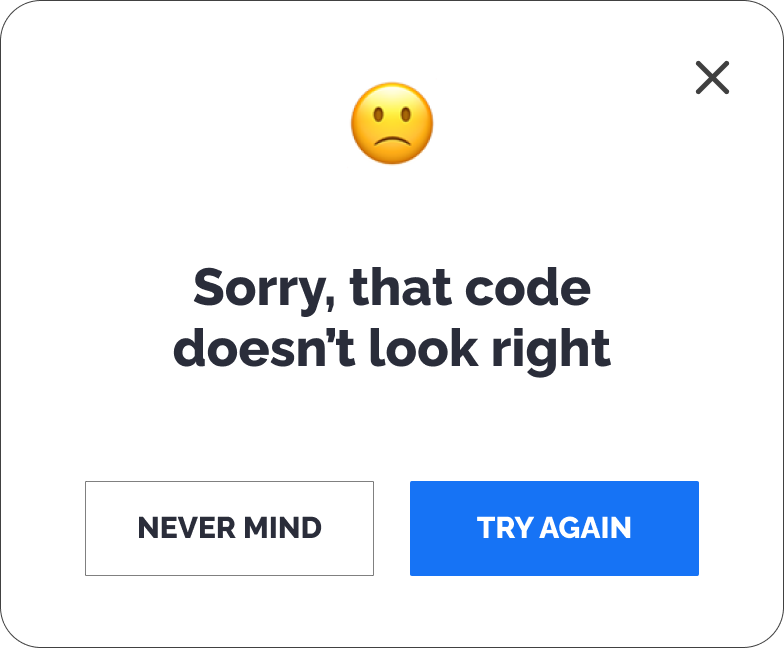
Error messages

For error messages, I defined some simple guidelines to follow:

Message context

When users try to use a discount code that is invalid or expired, they're presented with an error message.

Changes I made

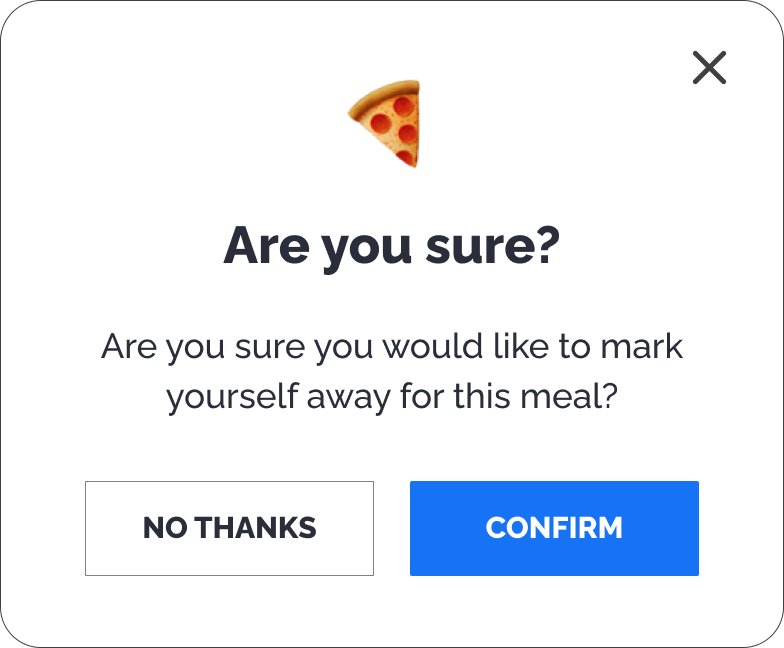
Buttons

For buttons, I defined some simple guidelines to follow:

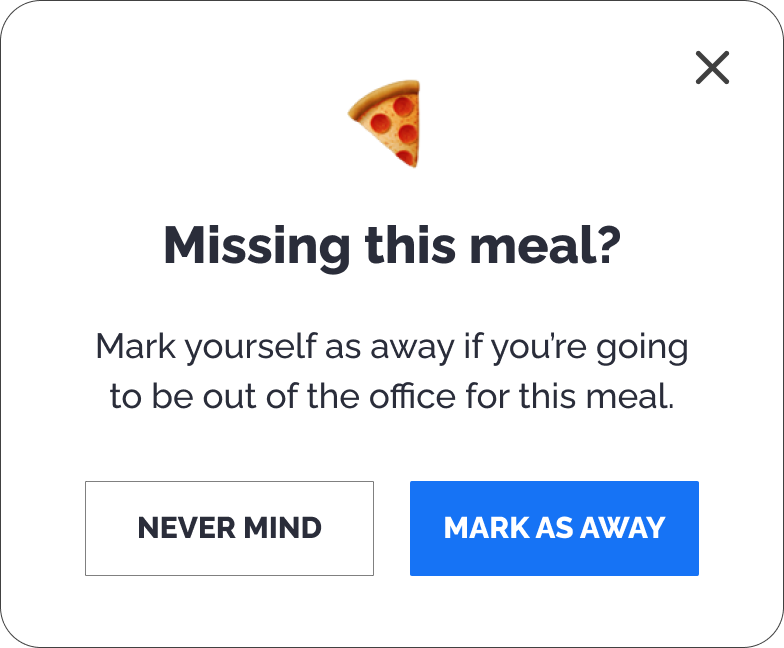
Message context

Users choose food from restaurants for the week ahead, but if they know they're going to be out of the office, they can mark themselves as away so no food goes to waste.

Changes I made

Empty states

For empty states, I defined some simple guidelines to follow:

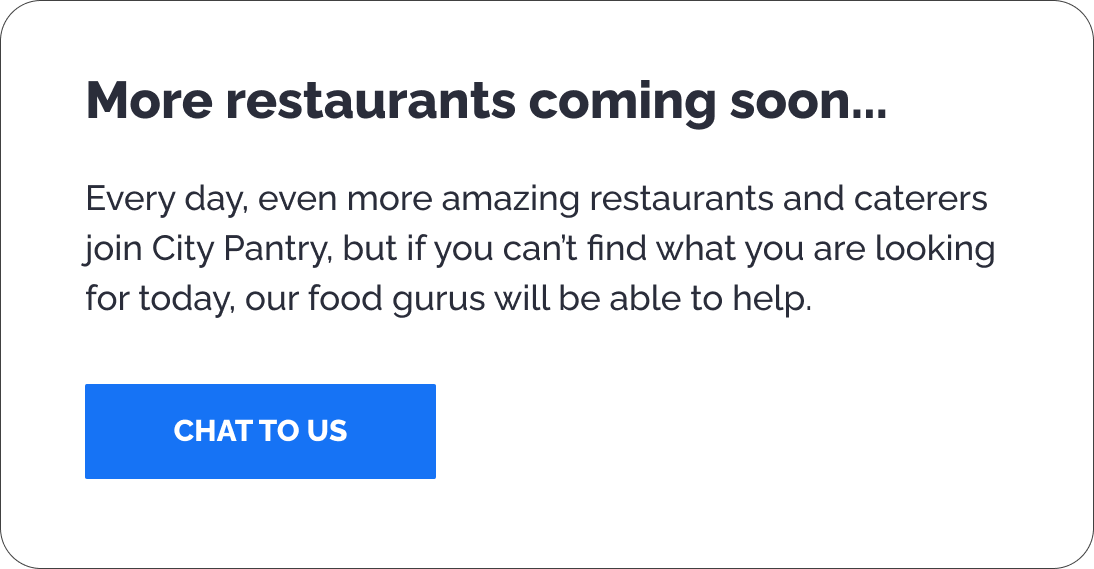
Message context

This message appears when the website can't find any restaurants that match the current search filters or there aren't enough restaurants in that particular location.

Our sales team were struggling to decide which new restaurants to try and add to the platform, so they wanted a way of knowing which restaurants our customers actually wanted to order from.

Changes I made

Forms

For forms, I defined some simple guidelines to follow:

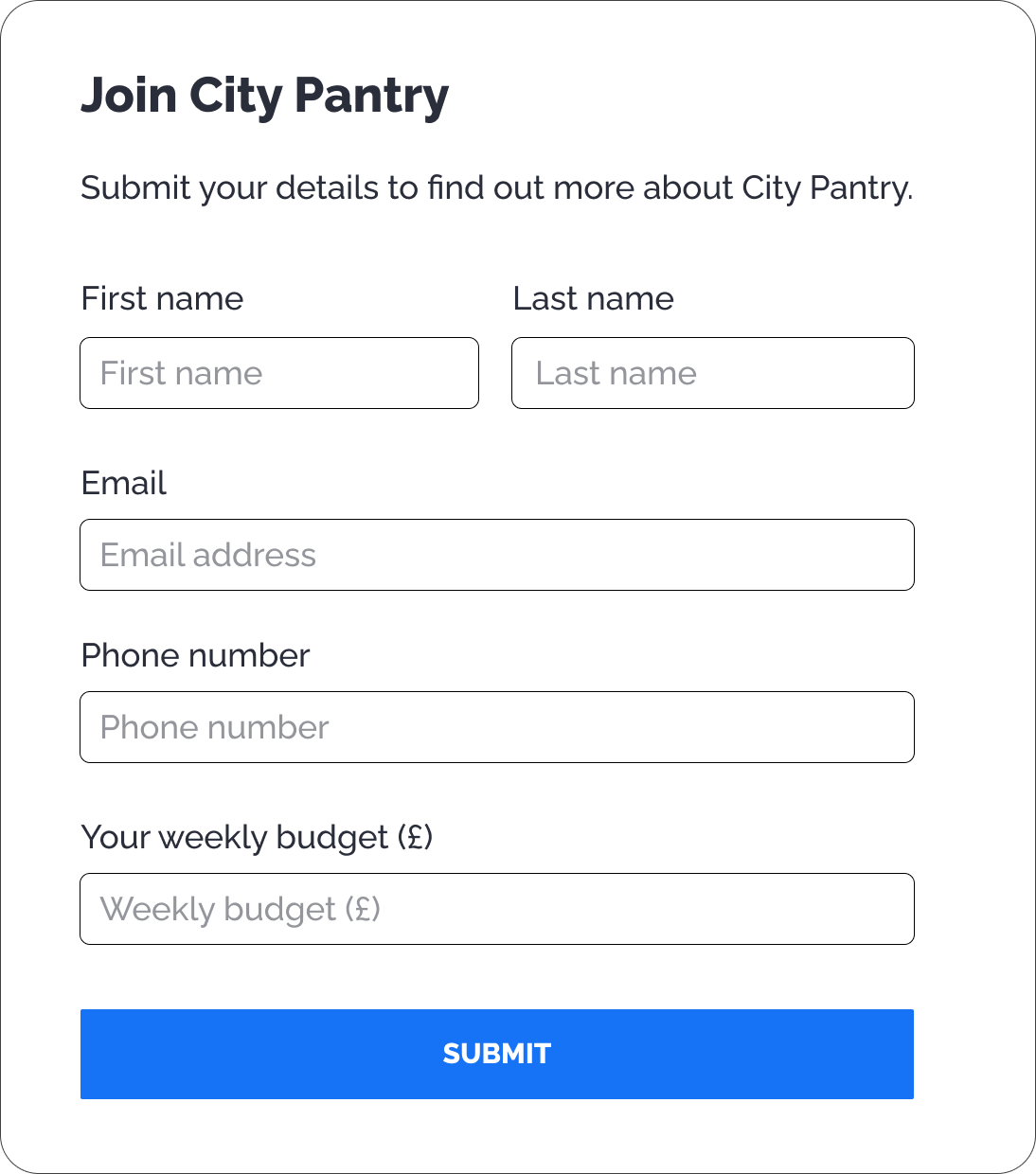
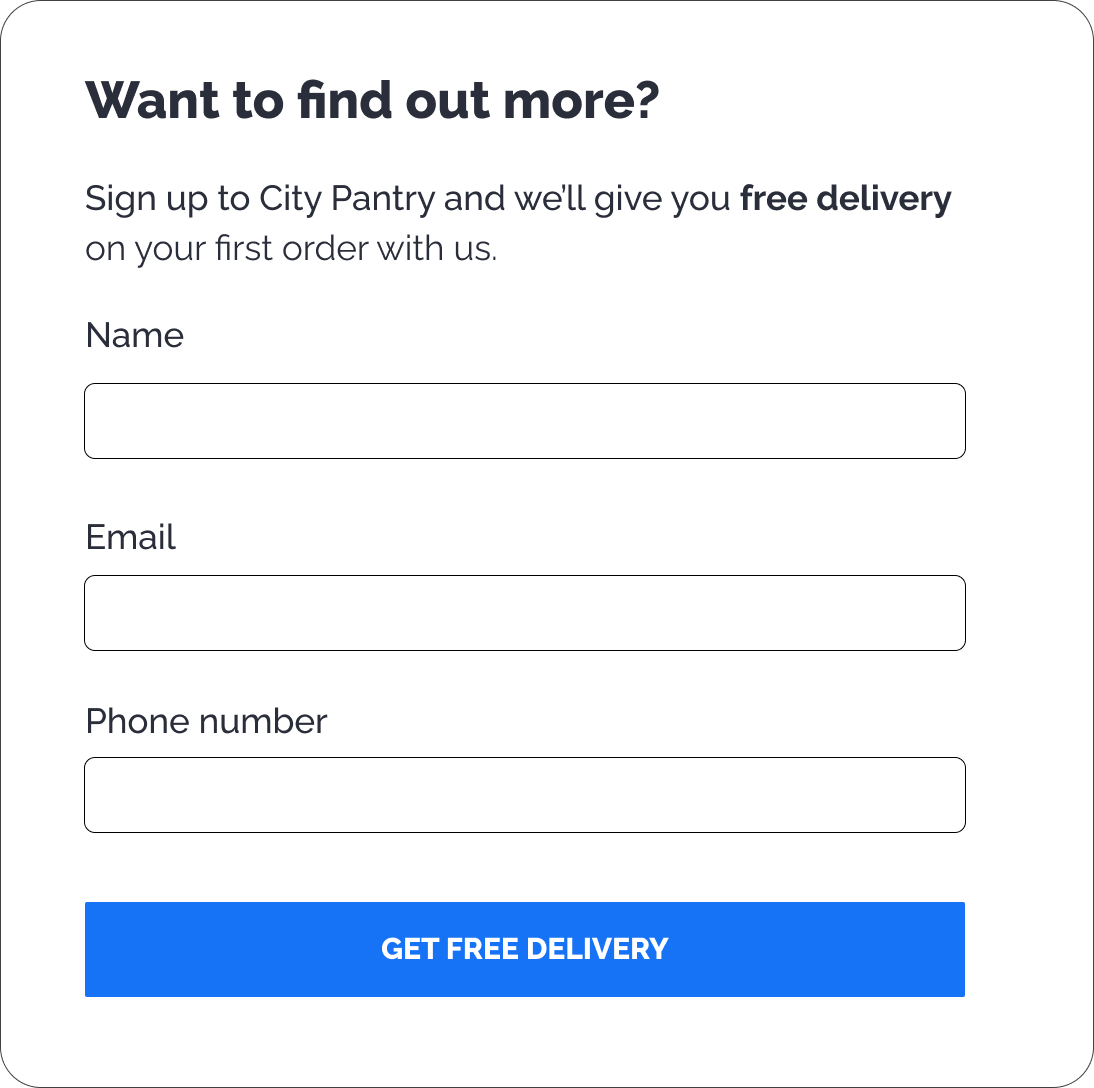
Message context

This form is intended to generate leads through form submissions on key landing pages.

Changes I made

Chatbots

For chatbots, I defined some simple guidelines to follow:

Message context

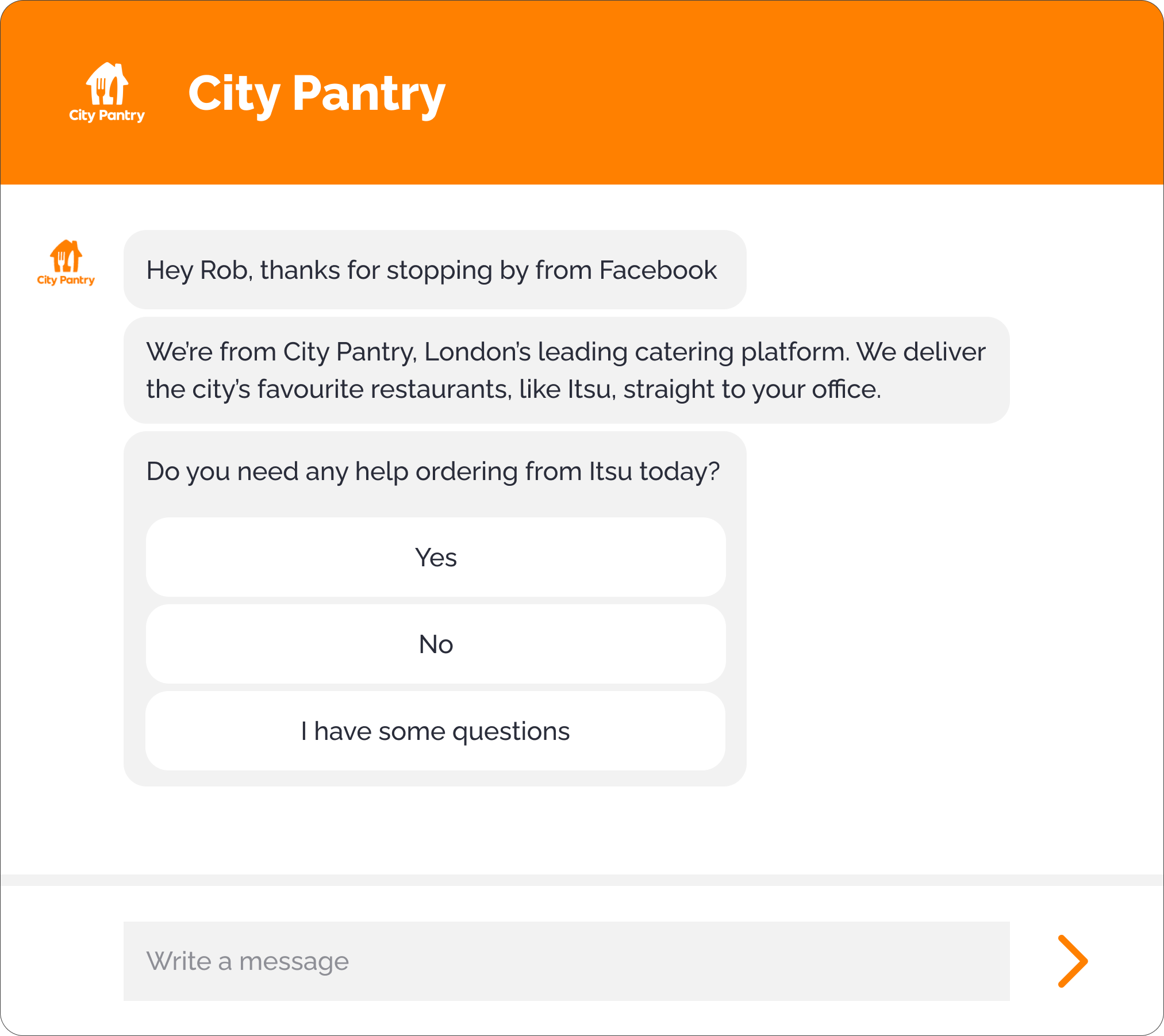
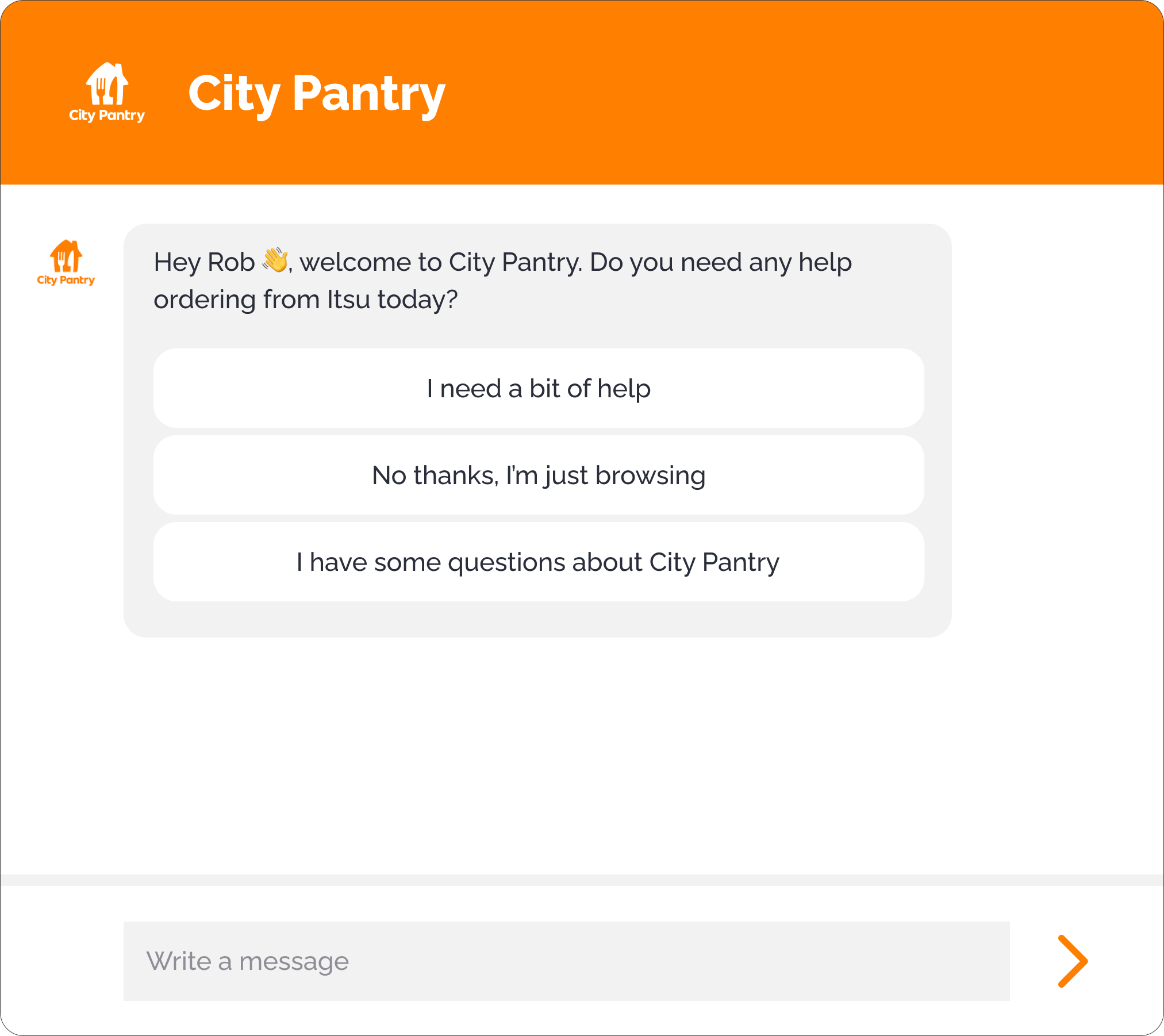
To try and improve our order conversion rate, we created a chatbot to try and understand if user's needed help ordering from the menu.

Changes I made

Let's get in touch  🚀

If your next big project needs to sound a little bit more human, let's work together on it.
If you want to keep in touch, we can also connect on LinkedIn.